
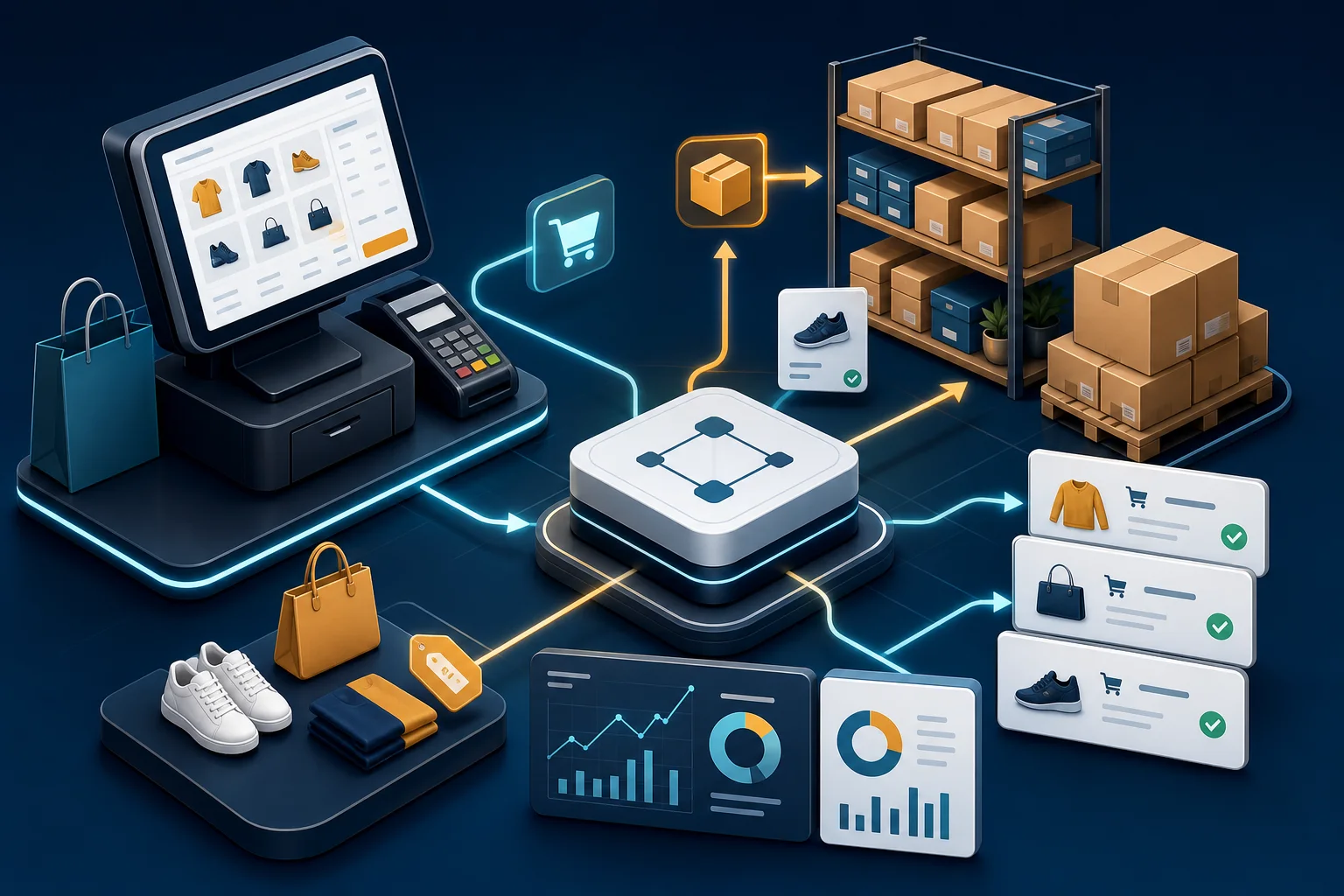
Sales, POS, and Inventory: Why They Should Not Be Treated as Separate Systems
Sales, point of sale, and inventory are often treated as separate parts of a business. Sales is seen as customer-facing, POS as a checkout tool, and inventory as an operations concern. In practice, they are parts of the same workflow.
When these systems are disconnected, the business may still operate, but it becomes harder to trust the information behind daily decisions.
A sale is also a stock movement
Every sale affects inventory. Every return affects inventory. Every change in product availability affects what the sales team can promise. If sales and inventory are tracked separately, the business can easily sell products that are not actually available, delay customer orders, or discover stock problems too late.
This is especially important for businesses that sell through more than one channel, such as a physical store, direct sales team, phone orders, or online requests.
POS is part of the same operational picture
A point-of-sale system does more than collect payment. It records what was sold, when it was sold, which product moved, which customer may be involved, and which prices or discounts were applied. That information should not live apart from stock, purchasing, and reporting.
When POS data is isolated, staff may need to manually reconcile daily sales with stock changes and accounting summaries. This creates avoidable work and increases the chance of errors.
Pricing and product data need one source of truth
Disconnected systems often lead to inconsistent product names, prices, units of measure, taxes, and customer terms. A product may have one name in the sales file, another in inventory, and a slightly different description in accounting.
These small differences can become expensive. They affect quotations, stock valuation, margin analysis, customer service, and reporting accuracy.
Reporting depends on connected workflows
Management reports are only as reliable as the workflow behind them. If sales, POS, inventory, and purchasing are updated separately, reports often require manual cleanup before they can be trusted.
Connected workflows make it easier to answer practical questions: Which products are selling? Which items are running low? Which customers buy most often? Which products have weak margins? What should be reordered, and when?
ERP is not just a software category
Odoo is one practical ERP context for connecting sales, POS, inventory, purchasing, accounting, and reporting. But the core issue is broader than any one product. The goal is to reduce duplicate work and make business information flow through one connected process.
For small and mid-sized businesses, this can be the difference between reacting to problems after they appear and managing operations with current, shared information.
Start with the business flow
The right starting point is not a long list of features. It is the actual path from customer order to stock movement, from stock movement to replenishment, and from daily activity to financial and operational reporting.
When that flow is clear, the need to connect sales, POS, and inventory becomes much easier to understand.
Leave a Reply
You must be logged in to post a comment.