
Why Small Businesses Outgrow Spreadsheets Before They Realize It
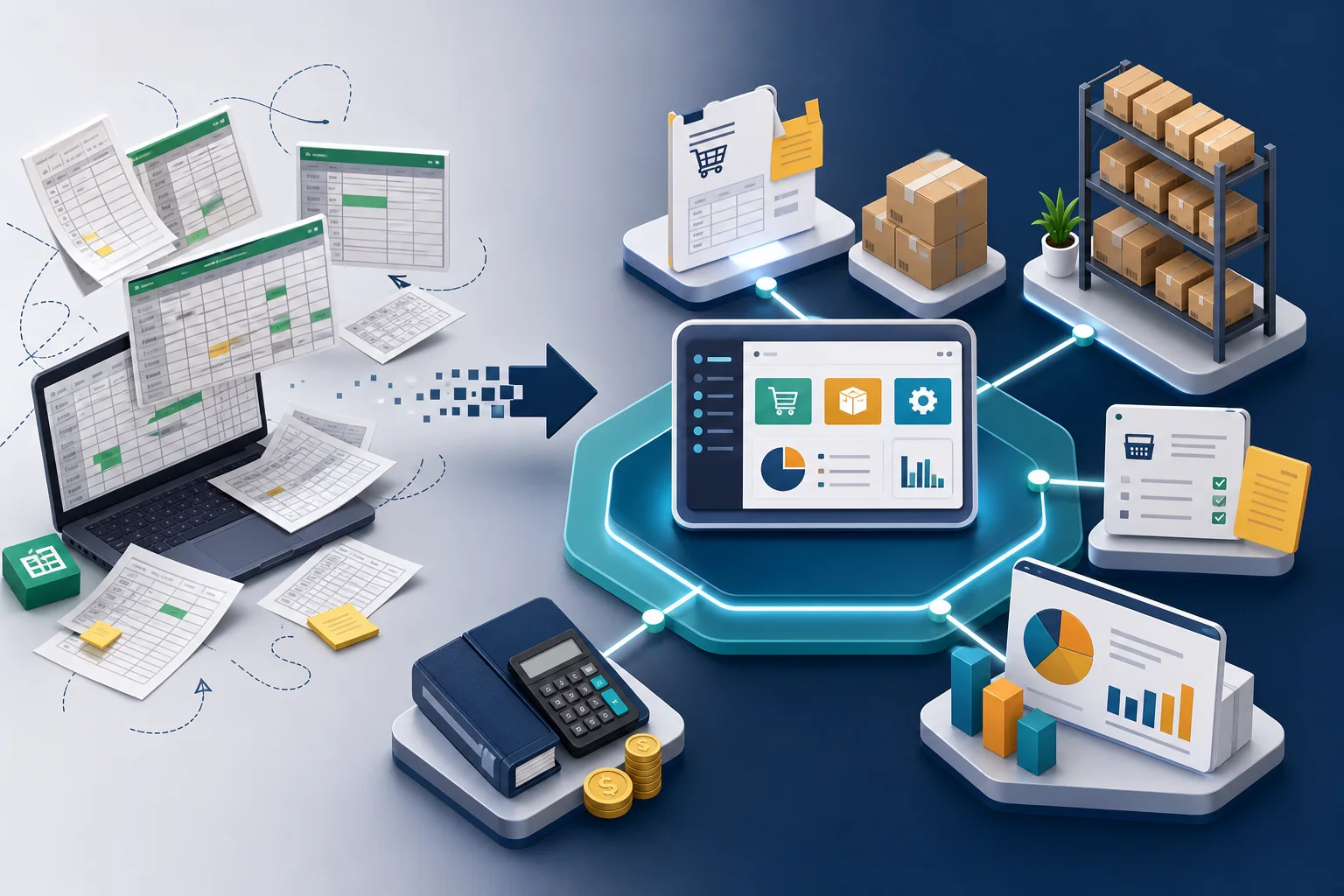
Spreadsheets are often the first business system a small company builds. They are flexible, familiar, and inexpensive. For a while, they work well enough for tracking customers, quotes, stock, purchases, invoices, and reports.
The problem is that spreadsheets usually stay in place long after the business has outgrown them. By the time the risk is obvious, several daily workflows may already depend on disconnected files, manual updates, and individual memory.
The warning signs are practical
A business does not outgrow spreadsheets because spreadsheets are bad. It outgrows them when too many people, decisions, and processes depend on the same manually maintained information.
- Sales teams use one file to track orders.
- Warehouse or operations staff use another file to track stock.
- Purchasing depends on manual stock checks before placing orders.
- Accounting receives information after the work has already happened.
- Reports are rebuilt by copying and reconciling data from multiple sources.
Each file may make sense on its own. The risk appears between the files, where timing, ownership, and data accuracy become unclear.
Manual updates create hidden business risk
When sales, inventory, purchasing, accounting, and reporting are updated separately, the business starts making decisions from information that may already be outdated. A product might look available when it has already been sold. A purchase order might be delayed because nobody noticed stock was running low. A report might look correct but still miss late updates from another file.
These issues are not just administrative annoyances. They affect customer promises, cash flow, purchasing decisions, and management confidence.
More spreadsheets often make the problem harder
The natural response is often to add another spreadsheet: one for stock movement, one for supplier orders, one for sales summaries, one for monthly reporting. This can create short-term control, but it also increases the number of places where data can become inconsistent.
At that point, the real question is no longer whether the spreadsheet is well designed. The question is whether the business has one shared view of its workflows.
Integrated systems solve a workflow problem
An integrated ERP approach connects related business activities so that sales, stock, purchasing, accounting, and reporting are working from the same operational data. Odoo is one example of this kind of system, but the important point is not the software name. The important point is the shift from disconnected manual tracking to connected business workflows.
For small and mid-sized businesses, this shift usually becomes valuable when growth creates more transactions, more handoffs, and more need for reliable information.
The decision should follow the workflow
Moving beyond spreadsheets should not start with a feature checklist. It should start by understanding how work actually moves through the business: from quotation to sale, from sale to stock movement, from stock movement to purchasing, from purchasing to accounting, and from daily activity to management reporting.
When those workflows become too important to depend on disconnected files, the business has probably outgrown spreadsheets before it fully realizes it.
Leave a Reply
You must be logged in to post a comment.